
It has been a long time since I have taken any type of school or course, and I remember the biggest challenge of being in class was just to stay awake! In the spring I was debating going back to school … Continue reading
It has been a long time since I have taken any type of school or course, and I remember the biggest challenge of being in class was just to stay awake! In the spring I was debating going back to school … Continue reading

Yesterday, the second day of spring, we received a lot of snow. I wouldn’t mind all the snow if it was January or February, but the calendar says it is spring!! I told the kids months ago that the Easter … Continue reading
I have been playing around with Photoshop for years and, prior to my interest in digital scrapbooking, used it mostly for basic editing of our photos. I didn’t really understand how to use the Toolbox and learned from trial and error. I knew how to crop a photo, add text, make a photo black and white, and remove blemishes, but that was about it!
For my birthday last September, my husband gave me a two year subscription to Adobe Photoshop Elements Techniques magazine. He thought I should learn how to use the software and then be able to use it for digital scrapbooking. (I currently use the My Digital Studio program from Stampin’ Up and will continue to use it for my photobooks because it is much easier and quicker for me to use.) I have been trying to learn it and the more I learn, the more I realize how complex it is with endless possibilities for your photos and scrapbook page!
In the May/June 2012 issue, there was a tutorial for adding vintage colour to a photo and had the perfect photo for it.
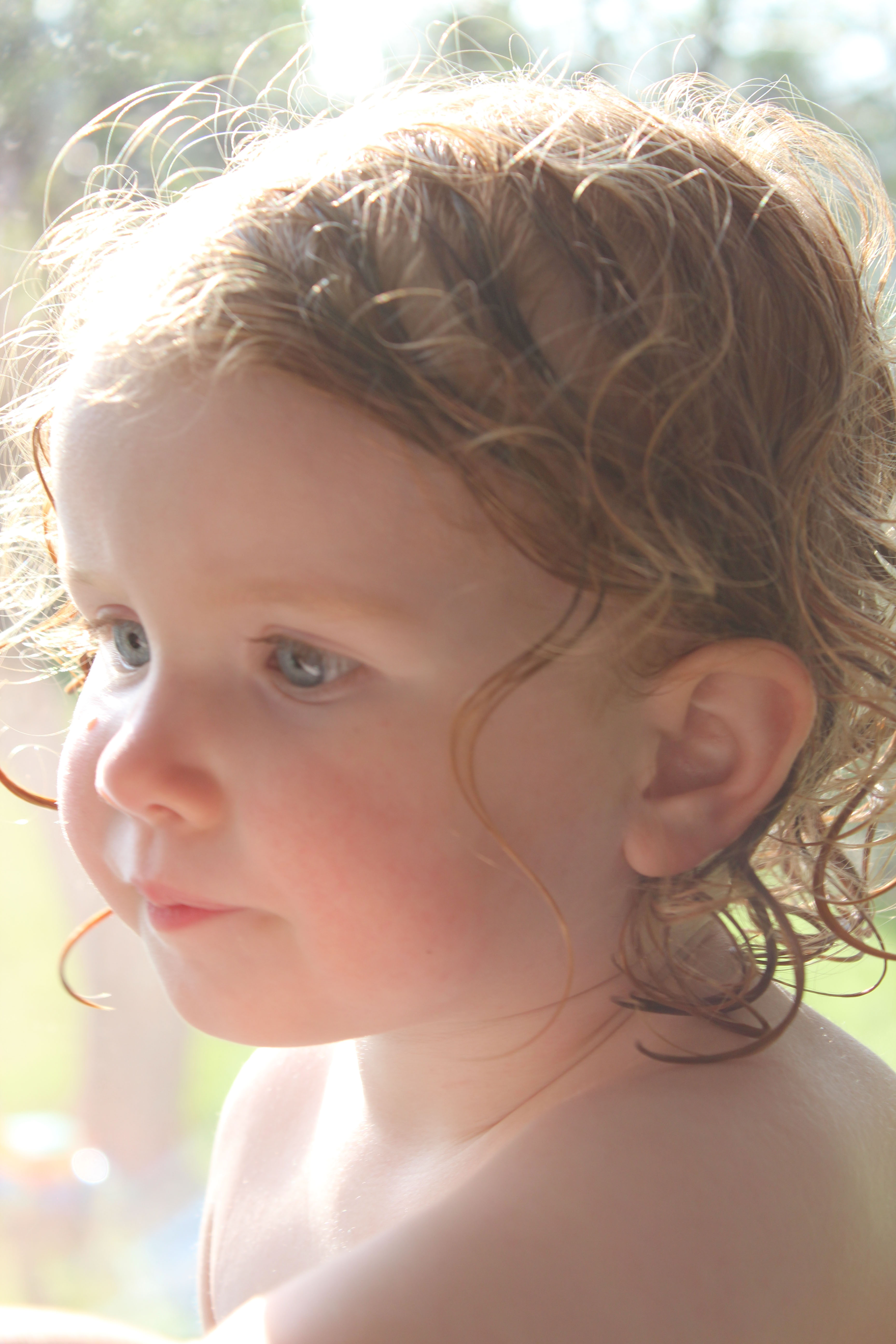
BEFORE

AFTER
I loved the “After” picture and it worked perfectly with this new kit from One Little Bird called “Little Sprout”. I am using this kit for a baby book and thought the colours were just right for the picture of Robyn.
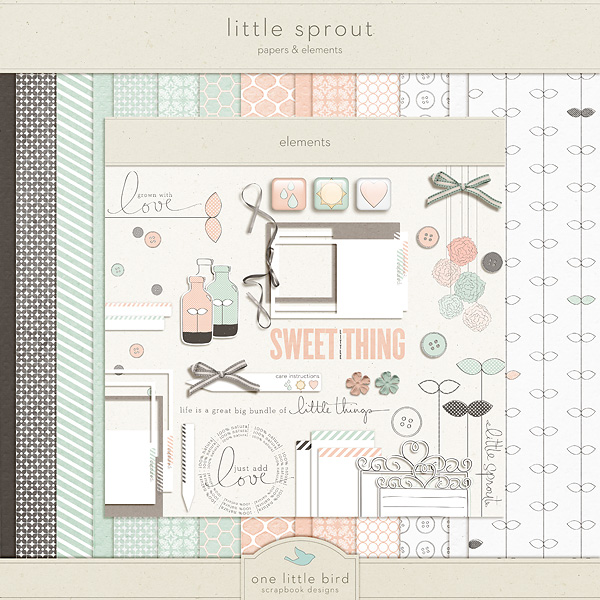
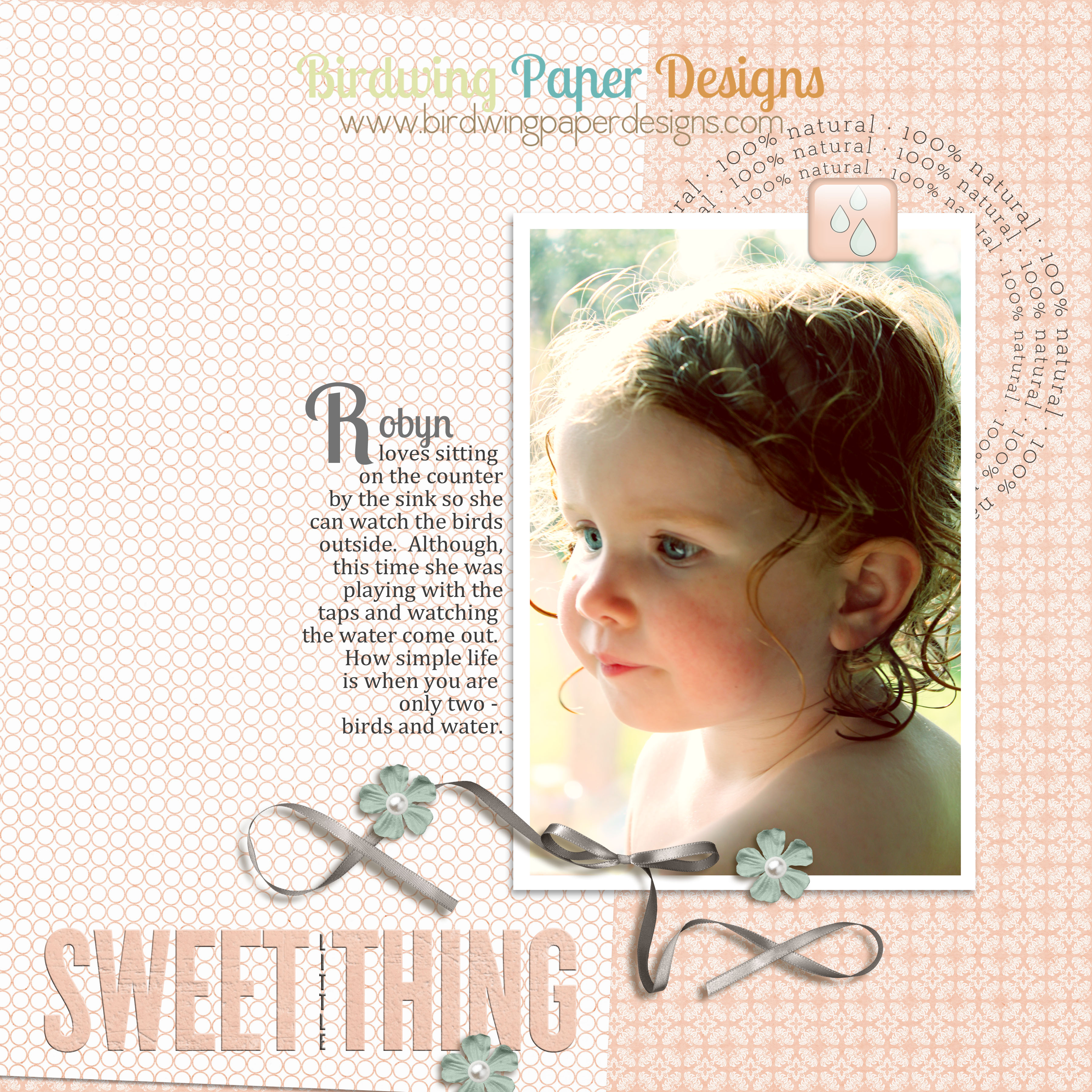
“Little Sprout” from One Little Bird Designs, pearls from Stampin’ Up
I hope you all had a great May long weekend!
Leah

 Birdwing Paper Designs